HTML Preview Employee Monthly page number 1.
View Monthly Employee Schedule
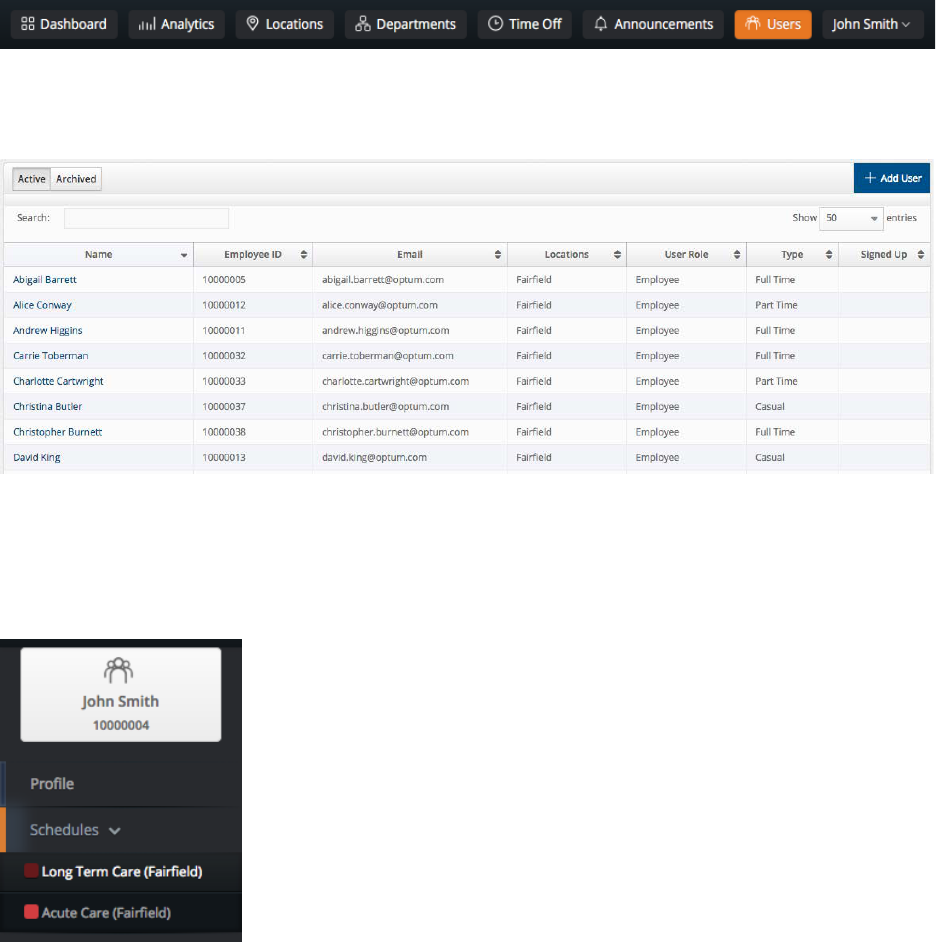
To view Time Off or Scheduled Shifts for a specific employee in a month, begin by
selecting Users from the top navigation bar.
Click on the name of the employee that you would like to view.
Click the desired department schedule on the left side navigation, if an employee
belongs to more than one department. This is color coded to help you differentiate
which schedule you are looking at, and which shifts belong to which department.